

The first thing most people notice in an Ice Fishing Demo is how quickly it drops them into the theme without any commitment. The game lets you see the pace, the visuals, and the basic interaction style before you decide whether to go further. A good Ice Fishing Game Demo should feel like the real thing in presentation, even if the stakes are removed. That makes it easier to judge whether the fishing theme and live-style format suit you.
An Ice Fishing Live Demo is especially useful if you want to understand how a live or live-inspired format handles timing and feedback. You can watch how the interface reacts, how features appear, and whether the controls make sense on your screen. The Ice Fishing Demo Game also helps you spot the details that matter most, like clarity, responsiveness, and how much attention the game asks for. If you are comparing different versions, this page explains the experience from a player-first angle.
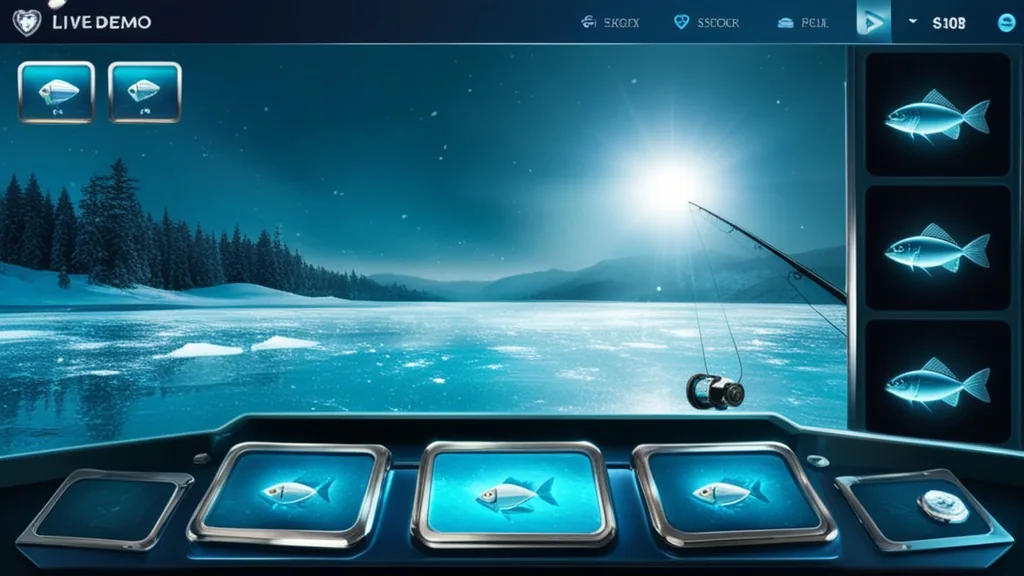
Ice Fishing Game Demo Overview and What Players Can Expect
The easiest way to read Ice Fishing Game Demo Play is to treat it like a rehearsal. You are checking whether the controls feel natural, whether the interface is easy to scan, and whether the pacing stays relaxed enough for you. That matters because some players want a quick distraction while others prefer a game that asks for more focus. A demo gives you that information before any real stakes are involved.
In an Icefishing Demo session, you usually get the freedom to stop and restart without pressure. That makes it useful for learning the rhythm of the game at your own speed. You can notice if the session feels repetitive, balanced, or surprisingly engaging after a few minutes. For first-time players, that kind of freedom is often the main value of the demo.
What can you test without risking anything?
An Ice Fishing Live Game Demo is useful because it lets you test the feel of the game before you decide whether to go any further. You can check the layout, the speed of the action, and whether the on-screen information is easy to read. That gives you a practical sense of the experience instead of relying on descriptions. For many players, that alone makes the demo worth trying.
In an Ice Fishing Demo Game, the biggest benefit is the chance to explore without pressure. You are free to pause, leave, or restart whenever you want. That makes it easier to judge whether the theme stays interesting after the first few moments. If the game still feels engaging after a short test, it has already done its job.
How close is the demo to the full game?
A solid Ice Fishing Demo Game should mirror the presentation of the full experience closely enough that you can recognise the game's personality immediately. The art style, layout, and tempo should all feel consistent with what the title is trying to do. If those pieces are clear in demo form, the main version is easier to imagine. That helps you decide whether the theme is worth your time.
With Icefishing Game Demo, the core difference is usually the removal of financial risk rather than a stripped-down design. You still get a fair sense of the flow, the atmosphere, and the feature rhythm. That is why a demo can be a better guide than screenshots or short clips. It lets you see whether the experience holds together once you start interacting with it.
What details should you watch first?
In an Ice Fishing Live Game Demo, the first thing to check is how easily you can read the action. If the numbers, symbols, and prompts are clear, the game is already doing one of its most important jobs. A live-style presentation should feel active, but it should not feel cluttered. Good visibility is what keeps a themed game comfortable rather than tiring.
An Icefishing Live Demo also lets you spot small friction points before they become annoying. Slow loads, awkward button placement, or unclear labels can make a session feel longer than it really is. If the layout makes sense after only a few moments, that is a strong sign. It usually means the game is designed with actual players in mind, not just visual flair.
How the Ice Fishing Live Demo Works on Mobile and Desktop

On a phone, an Ice Fishing Live Demo depends on touch accuracy, screen size, and how well the interface scales. The same game can feel smooth on desktop and slightly tighter on a smaller device, even when the core content is unchanged. That is why mobile testing matters before you commit to a longer session. A Ice Fishing Game Demo should still let you understand the action without forcing you to zoom or pinch constantly.
Desktop play usually gives you more breathing room, especially if the Ice Fishing Demo Game uses a busy layout or layered information. A mouse or trackpad can make navigation feel more precise, while a larger screen helps you read bonuses and prompts more comfortably. The Ice Fishing Live Demo also makes it easier to compare how the presentation looks across browsers. If you switch devices often, those differences become very obvious very quickly.
Does the demo feel different on a phone?
Icefishing Demo sessions on phones are usually most successful when the important controls sit in obvious places. If the game is built well, you should be able to follow the action with one hand and read the key information without leaning in. A compact screen can make a polished interface feel more intimate. It can also expose weak design choices much faster than a large monitor.
The main question for mobile users is whether Ice Fishing Game Demo Play stays comfortable after a few minutes. If you are constantly adjusting the screen or hunting for a button, the experience stops feeling relaxed. A good mobile demo should reduce that friction and let you focus on the theme. That is especially helpful for casual play on the move.
Why does desktop sometimes feel easier?
Desktop play often suits Icefishing Live Game Demo sessions because the extra space makes the interface easier to scan. You can see more at once, which is useful when the game uses animated prompts or layered features. The mouse also gives you a cleaner sense of control. For some people, that alone makes the demo feel more inviting.
A larger screen can also make Icefishing Game Demo graphics seem sharper and easier to evaluate. If the game uses subtle effects or tiny icons, desktop removes some of the guesswork. That matters when you want to judge design quality instead of just chasing quick entertainment. In other words, the format can influence how much you enjoy the demo before the gameplay even changes.
Which browser settings help most?
The most useful browser setup for an Ice Fishing Demo is usually the simplest one. A current browser version, a stable connection, and a clean tab setup are often enough to keep the session running smoothly. If you also allow sound when you want it, the atmosphere comes through more clearly. Those small choices can make the demo feel noticeably better.
When you try an Icefishing Live Demo on desktop or mobile, it helps to close extra apps that may compete for memory or bandwidth. That is especially useful if the game has heavier animations or live-style transitions. A responsive browser keeps the experience focused on the game instead of the device. If a session stutters, the browser environment is usually the first thing worth checking.
Ice Fishing Demo Game Features, Graphics, and Bonus Mechanics

The strongest feature of an Ice Fishing Demo Game is usually its ability to show the theme quickly and cleanly. You should know within the first moments whether the icy setting, the fishing idea, and the pacing all work together. Good visuals do more than look nice; they help you understand what kind of experience the game wants to create. That is why the demo matters even if you are only browsing.
A well-made Icefishing Demo Game also gives you a sense of how bonus mechanics and animations support the main action. If the effects are too busy, the game can feel cluttered. If they are too quiet, the session may feel flat. The sweet spot is a game that looks lively while staying readable, and the demo is where you can test that balance.
What visual details make the theme stand out?
The best Ice Fishing Demo visuals usually start with contrast. Bright highlights against a cold palette help the game feel crisp, and they make important information easier to spot. A frozen lake, cool blue lighting, and well-framed icons can tell the theme story at a glance. That kind of clarity is useful even before the first real decision appears.
In an Icefishing Live Demo, strong visual design should also guide your eyes naturally toward the most important parts of the screen. If you always know where to look, the game feels calmer and more polished. That matters because themed games can become overwhelming when too many elements fight for attention. Clean composition is often the difference between stylish and crowded.
How do bonus mechanics show up in demo play?
Most players use Ice Fishing Game Demo Play to see how often the exciting moments arrive and how they are introduced. A good bonus sequence should feel easy to recognise without interrupting the flow of the game. If special features are explained clearly, the demo becomes a useful preview rather than a guessing game. That is especially important for new players.
When Icefishing Live Game Demo mechanics are done well, bonuses feel like a natural part of the session instead of a separate layer pasted on top. You can tell whether the build-up is smooth, whether the visual payoff is satisfying, and whether the feature makes the session feel longer in a good way. The demo lets you judge all of that before you decide if the format suits you. For many players, that preview is the most valuable part.
Why does sound matter in a fishing-themed game?
Sound does a lot of work in an Ice Fishing Demo Game, especially because the theme is built around atmosphere as much as action. Light ambient audio, splash effects, or mechanical cues can make the setting feel more believable. Good sound also helps players understand when something important is happening. If the audio feels balanced, the demo feels more polished overall.
An Icefishing Game Demo with clear sound design can make even simple moments feel more engaging. The trick is not volume, but usefulness: effects should support the action without becoming distracting. If you mute the game, you should still be able to play, but with sound on the experience often feels richer. That is especially true for casual sessions where mood matters as much as mechanics.
| Feature | Demo behaviour | Why it matters |
|---|---|---|
| Theme and setting | Frozen visuals, fishing cues, and a blue-toned interface | Helps you see whether the game mood appeals to you |
| Core interaction | Click or tap actions that trigger the main game flow | Shows how intuitive the demo feels |
| Bonus mechanics | Special events or feature moments appear during play | Lets you judge pacing and excitement |
| Graphics and animation | Effects, movement, and icon clarity across the screen | Affects readability on mobile and desktop |
| Sound design | Ambient audio, water effects, and cue sounds | Adds atmosphere and helps the action feel lively |
| Session pace | Short loops with quick feedback between moments | Useful for casual players who want a fast preview |
Ice Fishing Live Game Demo Play for Beginners and Casual Fans
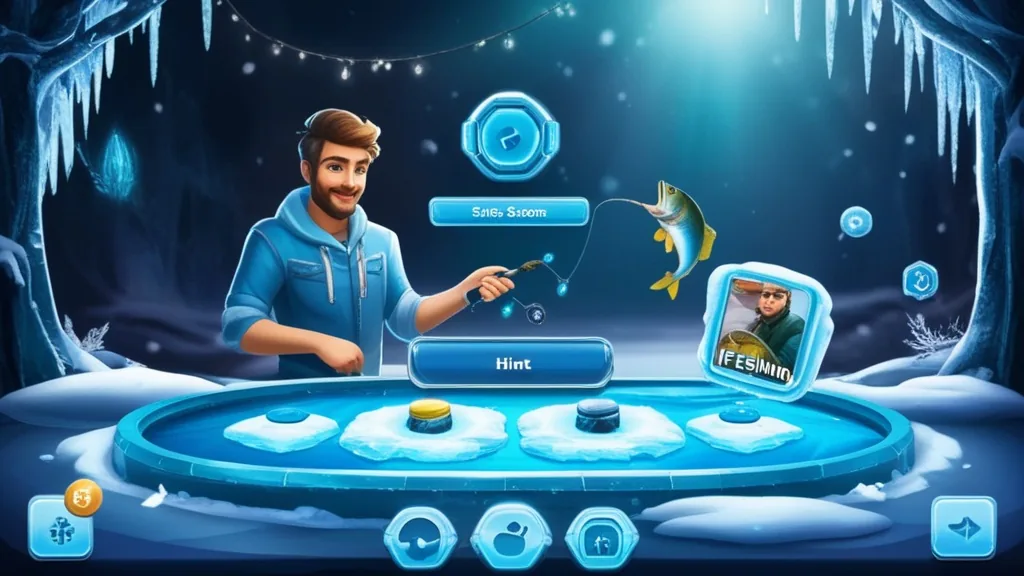
Beginners usually want an Ice Fishing Live Game Demo that makes sense within the first minute, not after a long tutorial. A friendly demo should show the basic flow, the pace of the action, and any special features without rushing you. That is why a simple trial session can be more useful than a long feature list. It tells you whether the game feels approachable in real time.
Casual fans also tend to prefer an Ice Fishing Game Demo Play session that can be paused, reopened, or stopped without pressure. If the game stays readable and does not overload the screen, it becomes easier to enjoy in short bursts. The demo is a good place to test that relaxed style. It lets you see whether the game fits a lunch break, a commute, or a quiet evening at home.
What makes it comfortable for casual fans?
A comfortable Ice Fishing Demo is one that respects your attention. It should let you understand the action quickly, then keep the rest of the session easy to follow. If the pacing stays steady and the visuals stay clear, the game feels welcoming instead of demanding. That is exactly what casual players usually want.
For shorter sessions, Icefishing Game Demo Play works best when the feedback is immediate and the rules are not buried. You do not need every detail up front, but you do need enough structure to stay interested. The game should make it easy to relax into the experience. When that happens, the demo becomes a useful filter for future play.
What mistakes do beginners usually make?
The biggest mistake in an Ice Fishing Live Demo is trying to understand everything at once. A demo is meant to show the feel of the game, not force you into a full study of every feature. Start with the basics, then notice what stands out naturally. That approach gives you a more honest sense of whether you like it.
Another common issue in Icefishing Live Game Demo sessions is playing too fast to notice layout or pacing problems. If you rush, you may miss clues about how comfortable the game will be over time. A short, calm first session tells you much more than a frantic one. That is why beginners usually benefit from slowing down on purpose.
A quick starter checklist makes an Ice Fishing Demo Game easier to judge, especially if you are new to this style of play.
- Open the Ice Fishing Demo and wait for every visual element to finish loading.
- Check whether the controls and menus are easy to read on your screen.
- Play a few rounds of Icefishing Demo Game without worrying about speed.
- Notice how often special moments appear and how clearly they are explained.
- End the session after a short run and decide whether the pace suits you.
That simple routine makes Icefishing Live Demo sessions more useful because you are judging comfort, not just novelty.
Choosing the Best Icefishing Demo Game for Smooth Browser Access
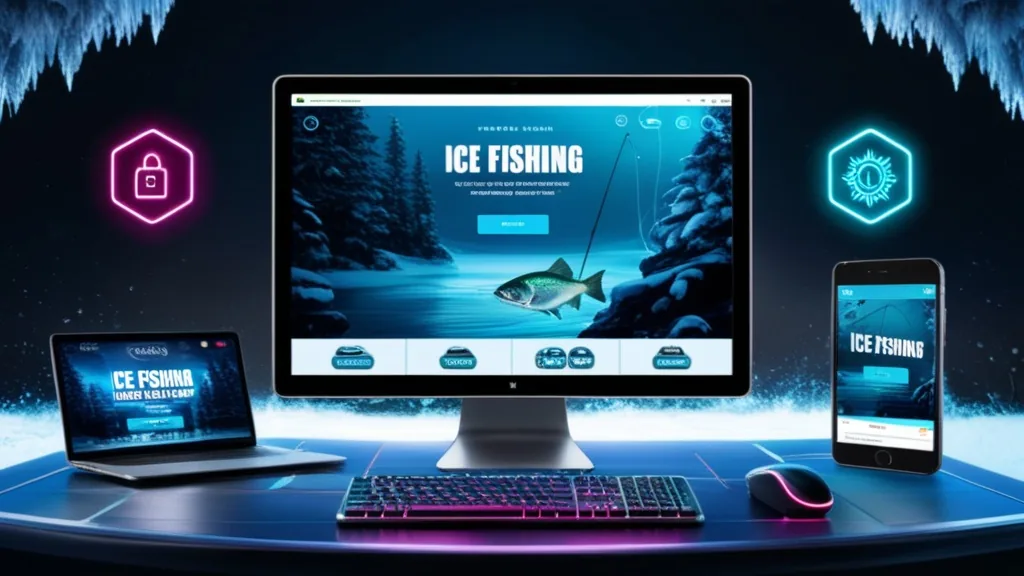
Smooth browser access starts with a game that loads without delay and keeps its interface readable. An Icefishing Demo is much easier to enjoy when the browser is not fighting with your device or connection. That means paying attention to speed, stability, and screen fit before you decide the game is right for you. A good demo should feel friction-free within a few clicks.
Players comparing options for Icefishing Live Game Demo access should look for the same basic signs of quality every time. Clear loading behaviour, stable animation, and responsive controls usually matter more than flashy extras. If those pieces are in place, the demo feels more trustworthy as a preview. It also becomes easier to decide whether another device might suit you better.
How do you know the browser is handling it smoothly?
The easiest sign is whether Ice Fishing Game Demo content appears quickly and stays responsive when you interact with it. If buttons react at a normal pace and the visuals remain sharp, the browser is doing its job. Small delays can happen, but they should not keep building. Once they do, the experience becomes harder to enjoy.
A stable Icefishing Live Demo should also keep the sound and visuals in step with each other. When audio falls behind or animations freeze, the browser or device may be under strain. That is a good cue to close extras or reload the page. Smooth playback is less about power than about keeping the environment tidy.
When should you refresh or switch devices?
If an Ice Fishing Live Demo keeps stuttering after a refresh, the device may simply not be a great fit for that session. A quick switch from mobile to desktop, or vice versa, can reveal whether the issue is screen size, memory, or connection quality. That is one reason demo play is so useful. It helps you test comfort without pressure.
For Icefishing Game Demo Play, it is sensible to change devices when the interface looks crowded or when the game becomes awkward to control. A good demo should fit the screen you are using, not make you fight the layout. If a simple reload fixes the issue, you are probably fine. If not, another browser or device can make the whole experience feel much better.
Use this quick checklist when you want the Ice Fishing Demo Game to run smoothly in a browser.
- Use a current browser version with media playback enabled for Icefishing Demo content.
- Keep a stable connection so the Ice Fishing Live Demo loads without interruptions.
- Close heavy tabs so Icefishing Game Demo animations do not stutter.
- Allow sound if you want atmosphere from the Ice Fishing Demo Game.
- Check that the Ice Fishing Game Demo Play layout still fits comfortably on your screen.
If those points look good, the Icefishing Demo Game is usually ready for a comfortable session without much tweaking.